
Timesheets & attendance
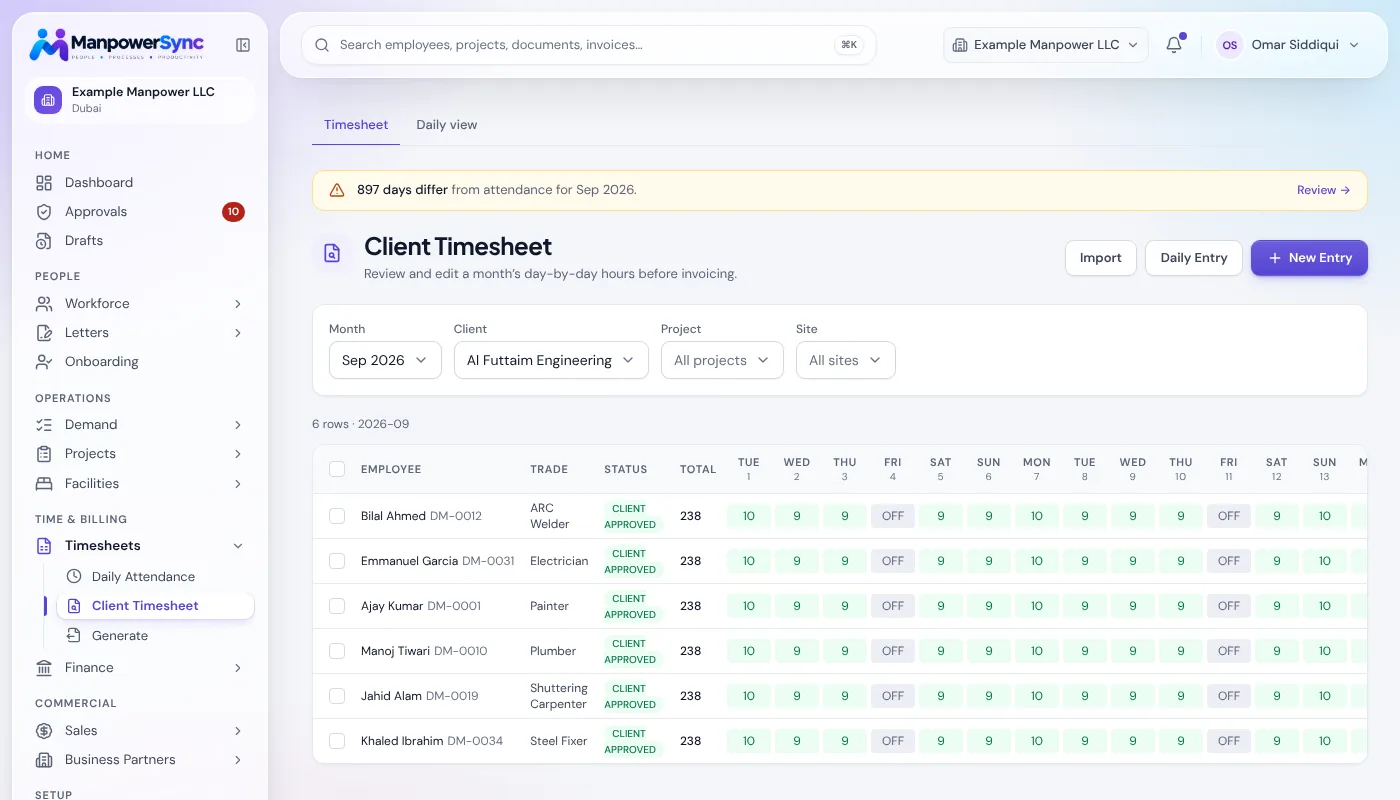
Drop in the monthly workbook and every month tab is detected and reconciled automatically. No retyping.
- Excel workbook import
- Manual & client timesheets
- Overtime and rest-day rules
ManpowerSync runs your manpower business in one place: hours, approvals, payroll with WPS, client invoices, camps, transport and documents.
Bring your existing Excel timesheets, no re-keying
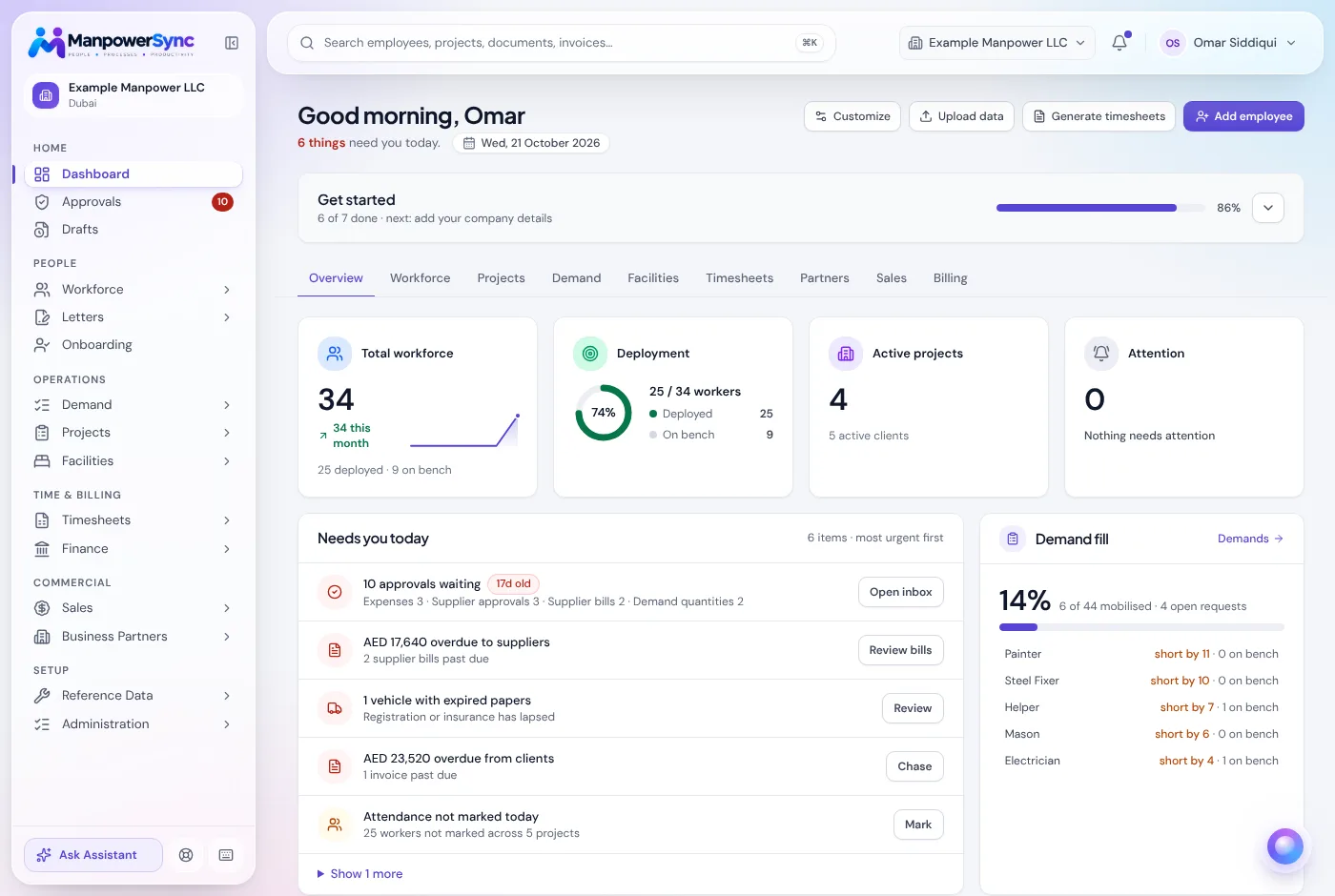
Operations, HR, payroll and finance share one set of records, so the hours your supervisors approve are the hours you bill and the hours you pay.
Drop in the monthly workbook and every month tab is detected and reconciled automatically. No retyping.
Run payroll from approved hours, route it through approval rules, and export a bank-ready WPS file.
Turn the same approved hours into VAT invoices per client, and keep bills and expenses in one ledger.
Track every client request from enquiry and quotation to mobilisation, site arrival and demobilisation.
More than 30 modules, one login, and permissions that decide who sees what.
Upload the site workbook, enter hours manually, or let suppliers submit their crews' timesheets through their portal.
Exceptions and overtime are flagged. Approvers sign off in one queue, and every change is written to the audit log.
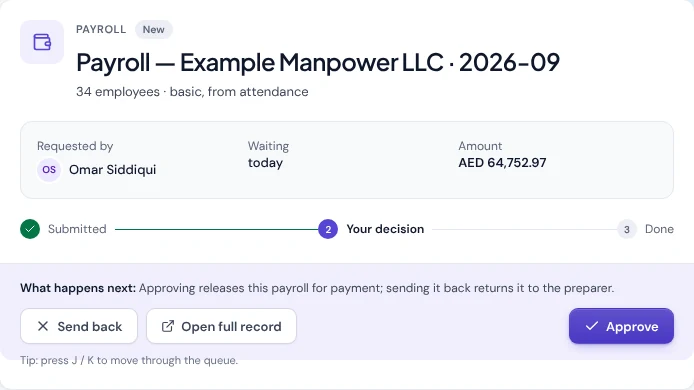
Approved hours flow straight into client invoices, payroll runs and the WPS file. No re-keying between teams.
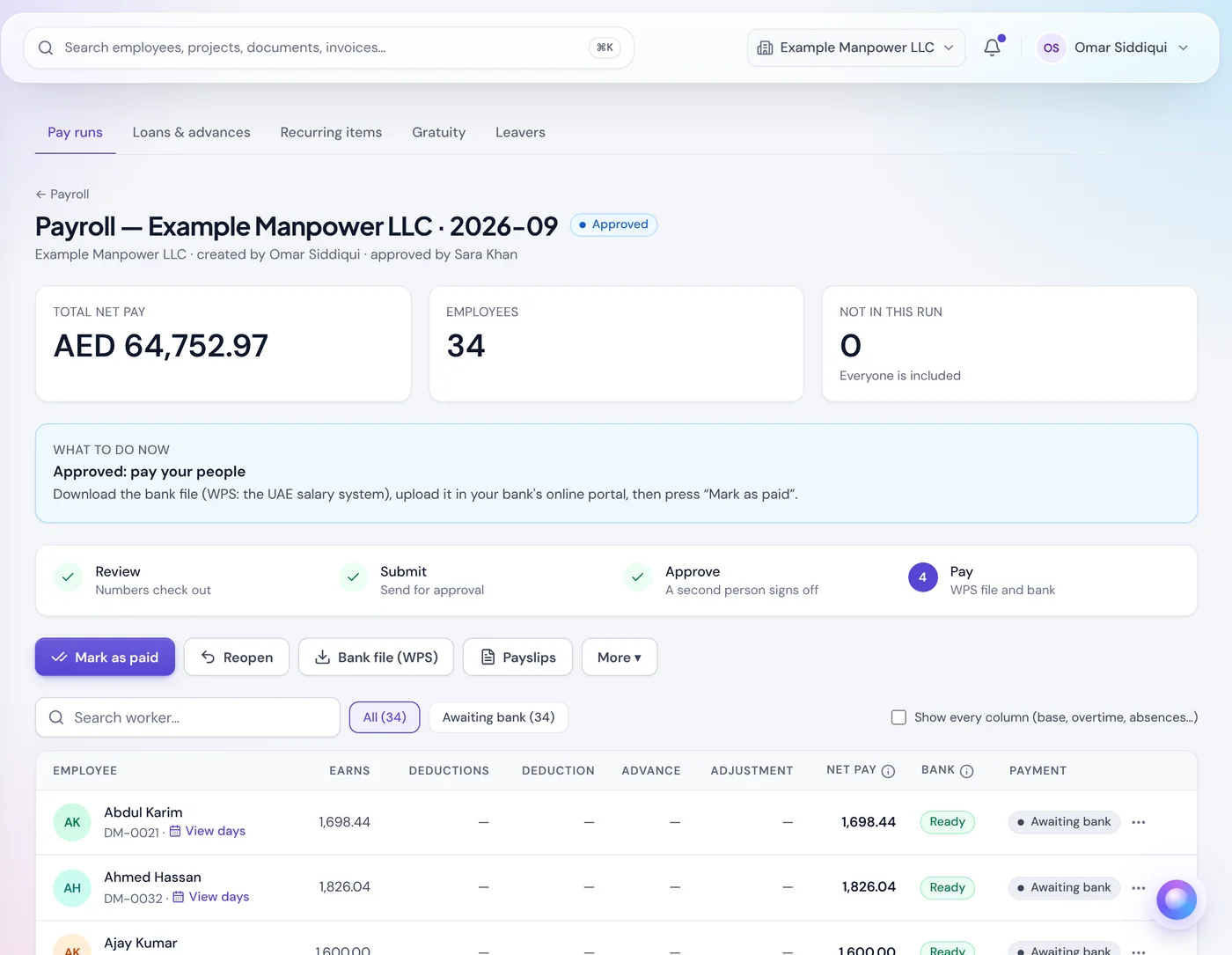
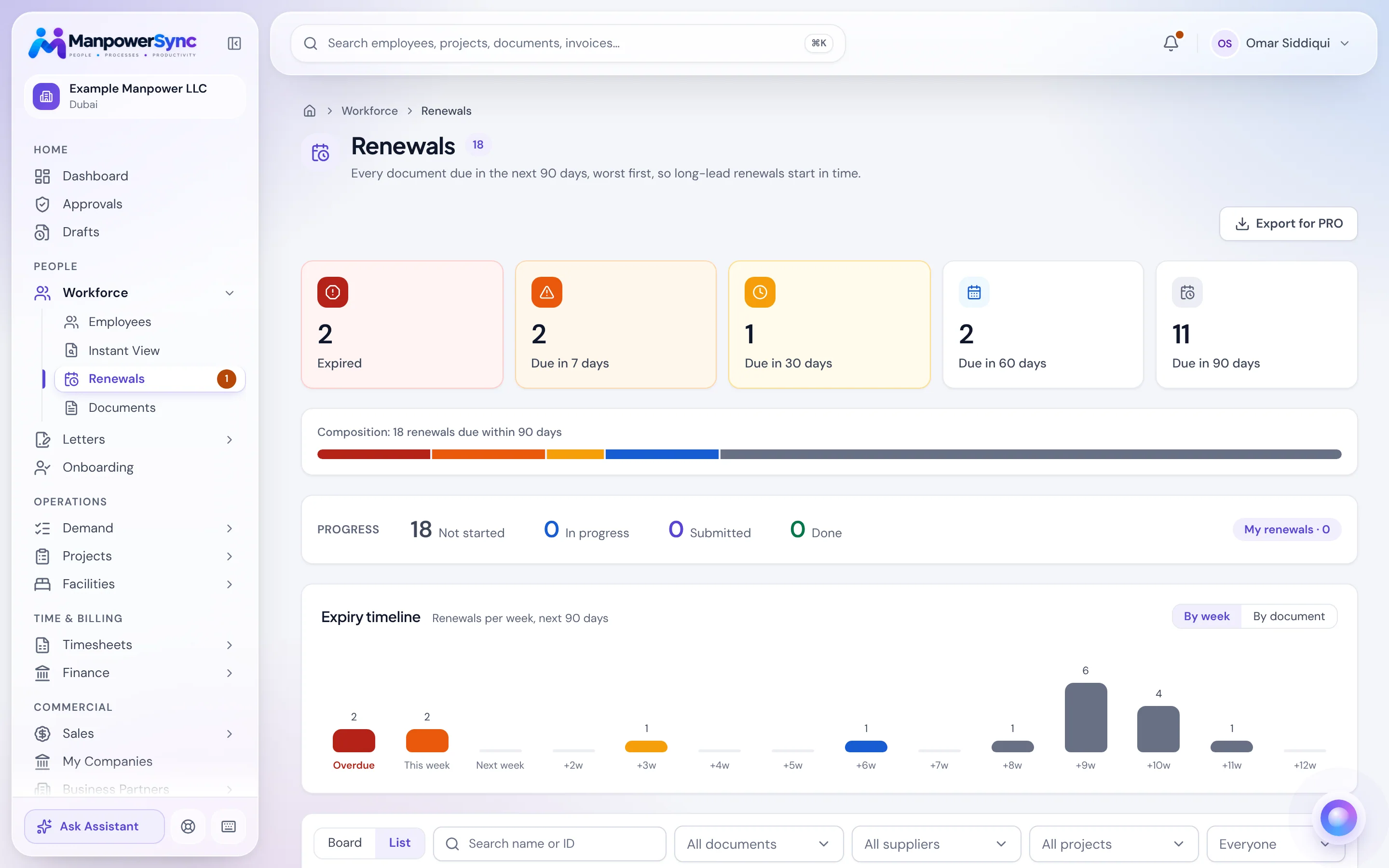
Upload a scan and the key fields are extracted into the employee record. Expiry dates surface long before they become a fine, and letters and NOCs generate from your own templates in one click.
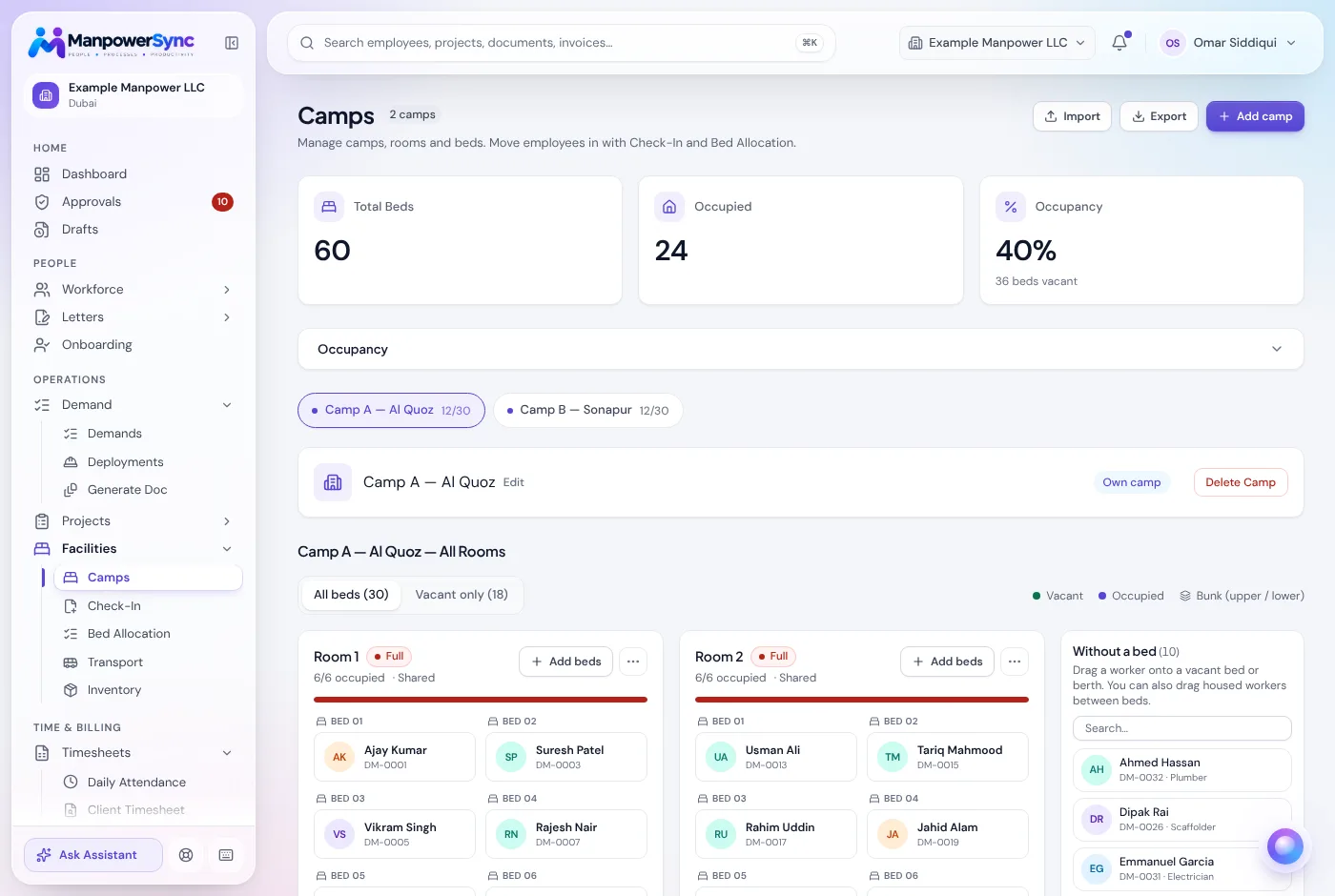
Manage camps room by room with live occupancy, check workers in and out, and plan transport routes and vehicles against the sites your crews are working at today.
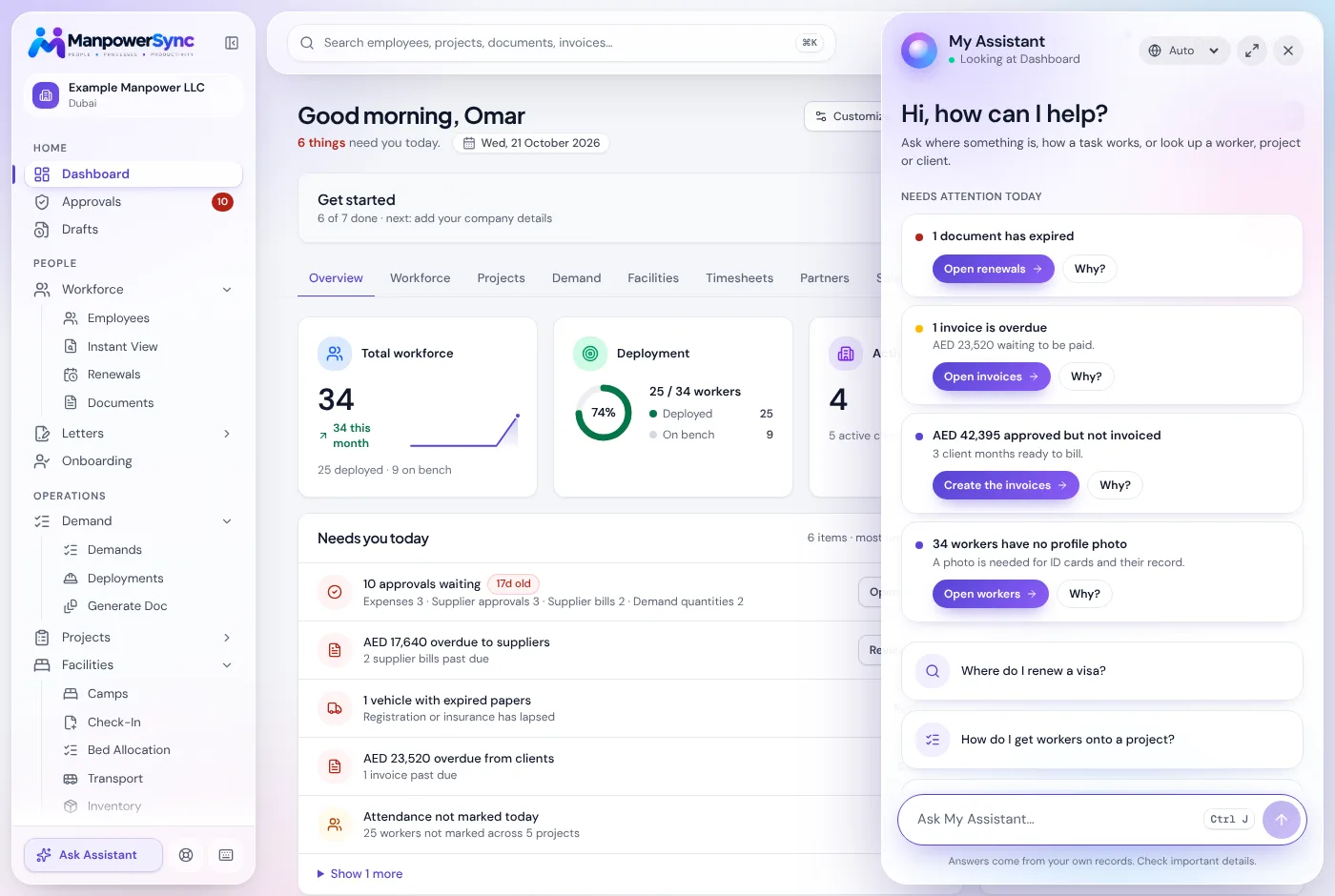
“Which visas expire this month?” “How many welders are on Site 14?” The assistant answers from your live records, respects each user's permissions, and links straight to the source.
| What you need | Excel | General HRMS | RecommendedManpowerSync |
|---|---|---|---|
| Hours to invoice | ✕No: Retyped into a billing sheet | ✕No: Usually out of scope | ✓Yes: Invoices from the same approved hours |
| WPS salary file | ✕No: Built by hand each month | –Depends: Varies by product | ✓Yes: Exported from the approved payroll run |
| Visa and ID expiries | ✕No: A calendar someone has to check | –Depends: Often a basic expiry field | ✓Yes: Alerts, with fields read from the scan |
| Camps and transport | ✕No: A separate sheet or phone calls | ✕No: Not covered | ✓Yes: Bed-level occupancy and pickup routes |
| Subcontractor crews | ✕No: Forwarded spreadsheets | ✕No: Not covered | ✓Yes: A supplier portal for demands, hours and payments |
| Who changed what | ✕No: Hard to trace | –Depends: Varies by product | ✓Yes: Every change in the audit log |
Full write-ups: ManpowerSync vs Excel and Manpower ERP vs a general HRMS.
Priced by the number of members. Pay annually and get 12 months for the price of 11.
Up to 200 members
Up to 500 members
For larger or more complex operations
Your team, your workers and your subcontractors each get a view built for them, all reading from the same records.
Operations, HR, finance and sales work from one system, each seeing only the modules their role allows.
Workers check their attendance, download payslips and view their documents from any phone browser.
Subcontractors receive demands, submit workers and timesheets, and track their payments without emailing spreadsheets.

A practical month-end process for matching worker attendance, approved client hours and labour supply invoices, with a worked example and checklist.
7 November 2026
See how billable hours, labour costs and markup affect a manpower contract's result, using a simple worked example and review checklist.
7 November 2026
A practical checklist for moving workers from an approved request to site arrival, including project details, documents, transport and accommodation.
7 November 2026General systems stop at employee records and payroll. Manpower suppliers also need client timesheets, billing by the hour, visa and ID tracking, camps, transport, mobilisation and subcontractor crews. Those are built in here rather than bolted on.
Employees and sites are imported from your existing sheets, and your current timesheet workbook can be uploaded as-is. There is nothing to re-key before your first month.
Yes. Upload the consolidated workbook and each month tab is detected automatically. Re-uploading a corrected file updates that month instead of creating duplicates.
Payroll runs export a WPS salary information file using each employee's bank and routing details, ready to upload to your bank or exchange house.
No. The employee portal runs in any phone browser, so workers can check payslips, attendance and documents without downloading anything.
Access is controlled by role and company, so each person only sees the modules they need. Every create, edit and delete is recorded in the audit log.
Your suppliers get their own portal to receive demands, submit workers and timesheets, and follow their payments, all without access to your internal data.
See ManpowerSync with your own timesheet workbook. A 30-minute call is all it takes.